



Android Device Compatibility
Works seamlessly on all Android devices running Android 5.0 or higher.
 Snaptube
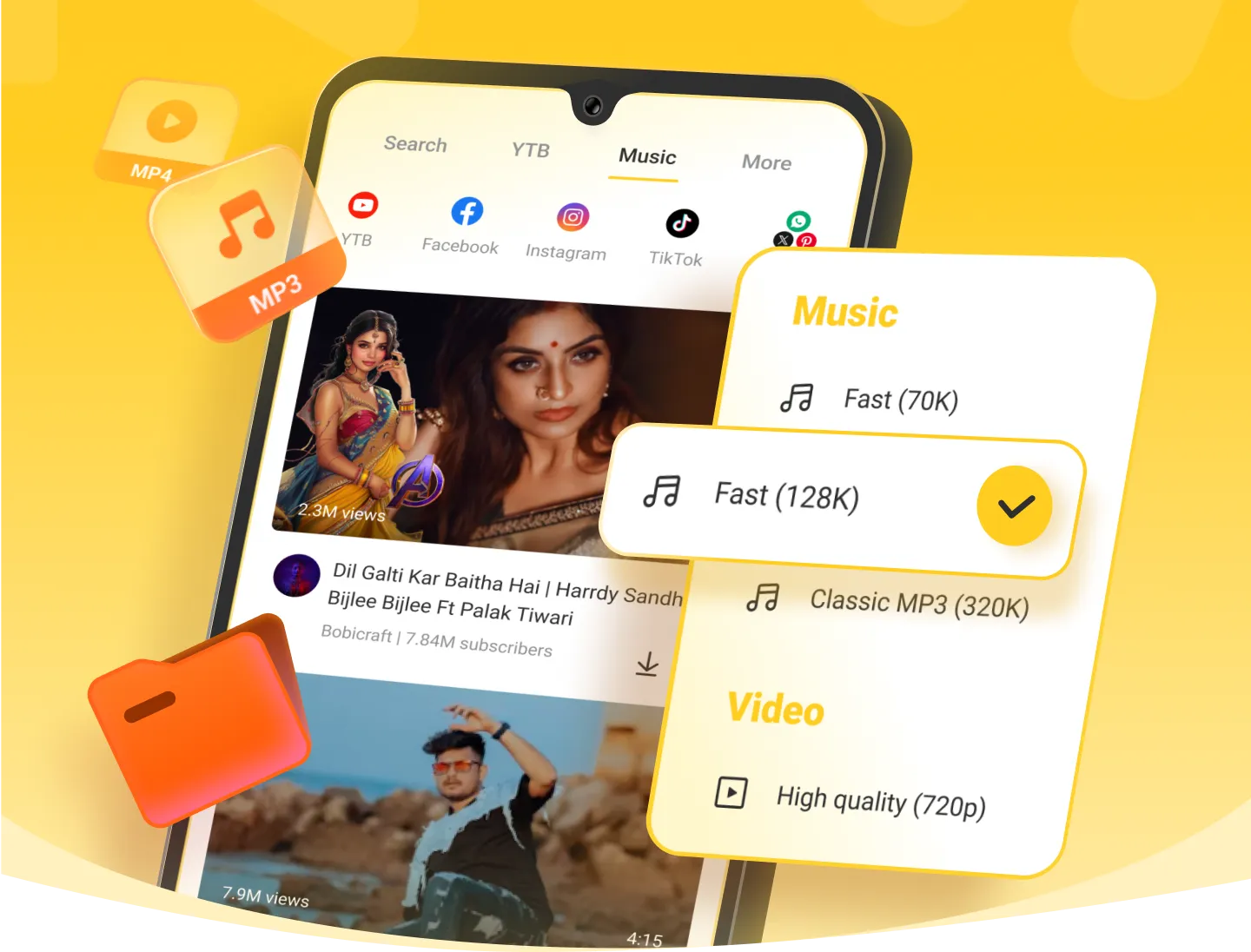
Download background music directly from videos.
Completely free to use with no download restrictions.
Find your favorite music by searching songs, albums, or artists.
Simple one-click downloads by pasting URLs into Snaptube.
Access a vast music library with all your favorite tracks.
Choose from multiple formats and resolutions. We recommend the 'fast' format for:
Save time by downloading multiple songs or playlists at once.
Listen while using other apps like WhatsApp or Facebook—completely free.
Enjoy smooth playback without using mobile data.
Create and organize your personal music collection.
Share your favorite tracks with friends with just one click.
Works seamlessly on all Android devices running Android 5.0 or higher.
Verified and certified by CM Security and McAfee for virus-free, safe operation.
Fully multilingual support ensures accessibility for users from any country.
Enhance the immersive listening experience, with real-time scrolling lyrics for easy sing-alongs, and effortless understanding of foreign language songs.
Personalized recommendations based on your preferences help you discover new content.
Intuitive interface requiring no learning curve. Simple to use from the moment you launch the app.
Turn on Dark mode, reduce eye strain when using the app at night, very thoughtful.
Built-in storage optimizer removes unnecessary files to free up space.
Click the download button to save the APK file.
Open the downloaded APK file.
If you see an "Install from Unknown Sources" message, tap "Allow" or "Continue".
Note: This is a standard Android security check and is completely safe.
Allow the requested app permissions when prompted (including storage access).
Once installed, you're ready to start downloading music.
For brand-specific installation guides, select your Android device manufacturer from the options below:
Absolutely! It is a great app for downloading music from various platforms. The app is free, easy to use, and lets you enjoy your favorite content offline.


